01 · E-learning course
My workstation, my health
An occupational health and safety course on workstation ergonomics, created for the creative studio Concept43. Learners follow the case of Laura and Daniel: the same workstation, a different outcome.
H5P Interactive Book · Decision scenario · Final assessment · 35–45 minutes · Lumi and H5P · Course in English and Spanish
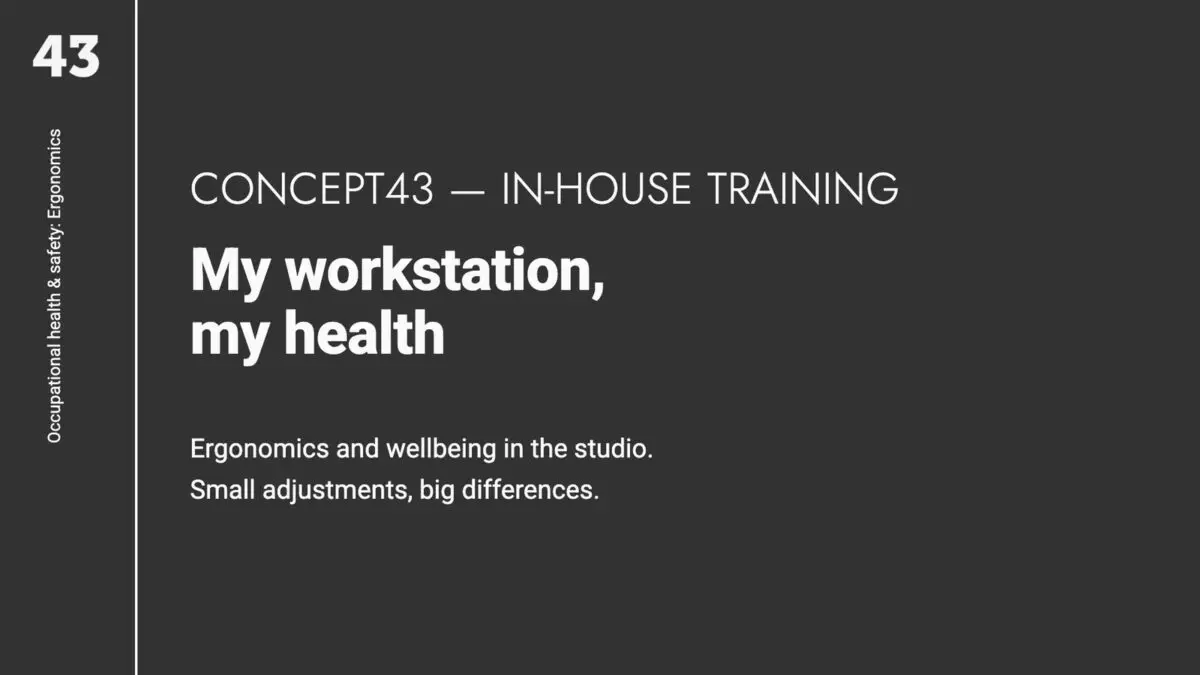
The course cover, in Concept43's visual identity.
The starting point
Concept43 did what you would expect from a company: after the initial health and safety training, it renewed chairs, screens and accessories. Yet months later, part of the team still ended the day with neck, back or eye strain. In a consultation with the CEO we found that the problem was not the equipment but how it was used: hardly anyone adjusted their workstation to their own needs, and bad habits persisted. The challenge was not to pass on the regulations, but to change behaviour.
Client
Concept43, a branding and web design studio in Gran Canaria. A real project, with the company's permission.
Audience
A design team: long hours at the screen, mouse and graphics tablet, and little time.
Length
35 to 45 minutes: a welcome and five chapters.
My role
End-to-end instructional design: analysis, script, art direction and build in H5P.
What they needed to do, not what they needed to know
I followed the ADDIE phases and Cathy Moore's Action Mapping. The business goal was to reduce the team's discomfort and catch workstation problems earlier. That led to five behaviours, and anything that did not support one of them was cut or moved to a job aid.
01
Adjust
Chair, screen, keyboard and accessories, to their own body.
02
Spot
What is wrong with a workstation, just by looking at it.
03
Ask
For what the company must provide: a footrest, a document holder or a review.
04
Keep up
Good habits for posture, breaks and eyesight.
05
Report
Any discomfort, early and through the right channel.
What training cannot fix, such as feeling awkward about speaking up or not knowing who to tell, was proposed to the company as a separate solution.
Laura and Daniel
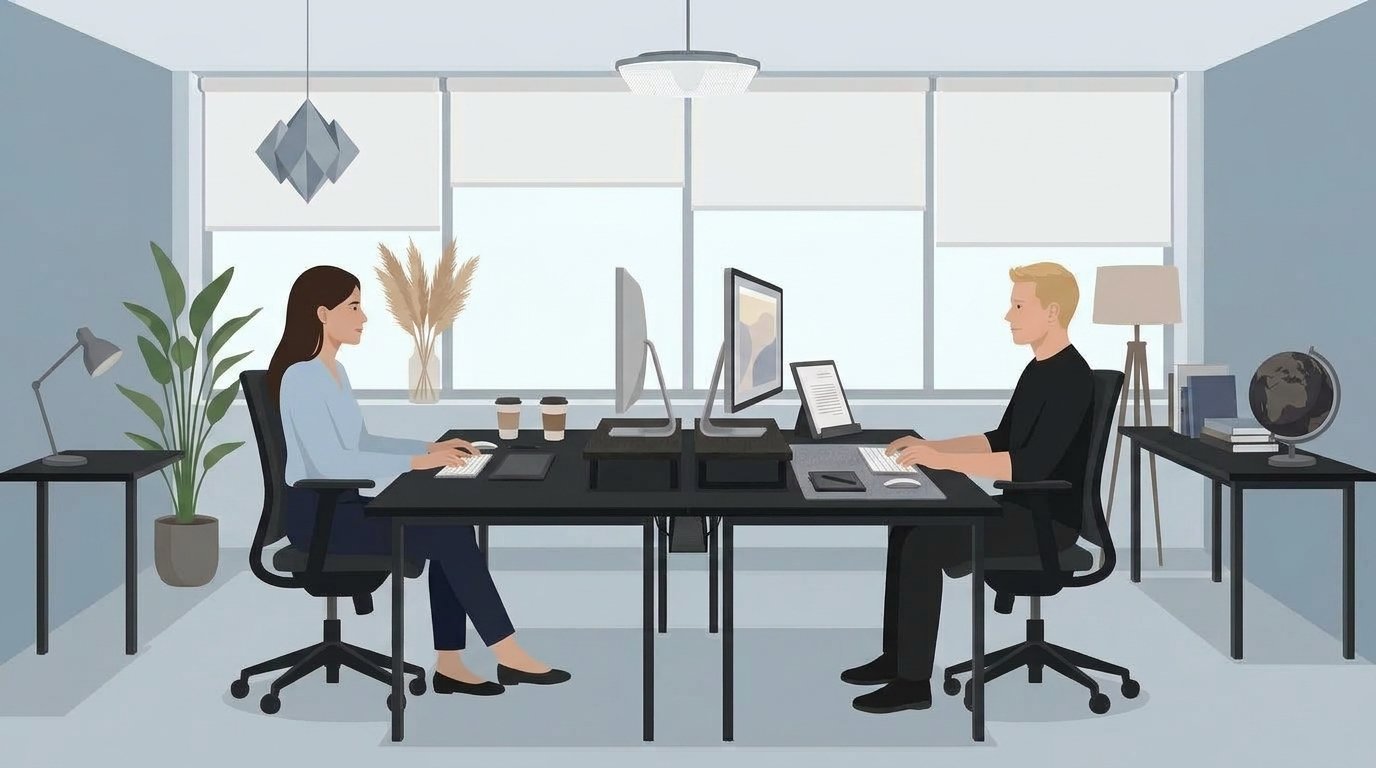
They share a desk, equipment and screen time. Laura's back hurts; Daniel's doesn't. The course works like an investigation: learners follow Laura as they learn the regulations and apply them to her workstation, until they find the cause of her discomfort.
It mirrors the real problem
Same equipment, different outcome: exactly what was happening in the studio.
It sparks curiosity
An open question holds attention until learners discover the answer for themselves.
It fits the audience
Creative adults, short on time and sure they already know how to sit: little theory, plenty of decisions.
Inside the course
An H5P Interactive Book with a welcome and five chapters. Even the theory is active: cards, hotspots, drag and drop and a decision scenario.
00
Welcome
Laura and Daniel are introduced and learners make a guess about why she is in pain.
01
The workstation
Diagnosing the old workstation, cards on the adjustable parts, a second diagnosis and the studio environment.
02
Good habits
Guidelines, who does what and “A day with Laura”: five decisions with consequences.
03
Summary
Rights and duties, and a summary that learners build themselves.
04
Assessment
Ten questions about everyday situations. The pass mark is 80%.
05
Wrap-up
The answer to the opening guess, job aids, a satisfaction survey and sources.
Design decisions
What I decided and why
Every decision answers the studio's real problem or a limitation of the tool.
01
Cut first. Only the regulations that serve the challenge and the team's real work. Temperature, humidity or wall colour go to the job aid: they depend on the company.
02
Practise before explaining. Learners diagnose the old workstation before seeing the theory, then repeat the task later with a harder case.
03
Decisions with consequences. A day in Laura's life in five decisions. H5P does not allow a branching scenario inside the book, so I rebuilt it so that every decision counts towards the score.
04
Assess what matters. 65% of the score comes from decisions and the final test, with a pass mark of 80%. Practice activities barely count: they are there to learn.
05
Protect personal data. The opening question “Are you in pain?” was replaced with a guess about Laura: a course should never record anyone's health data.
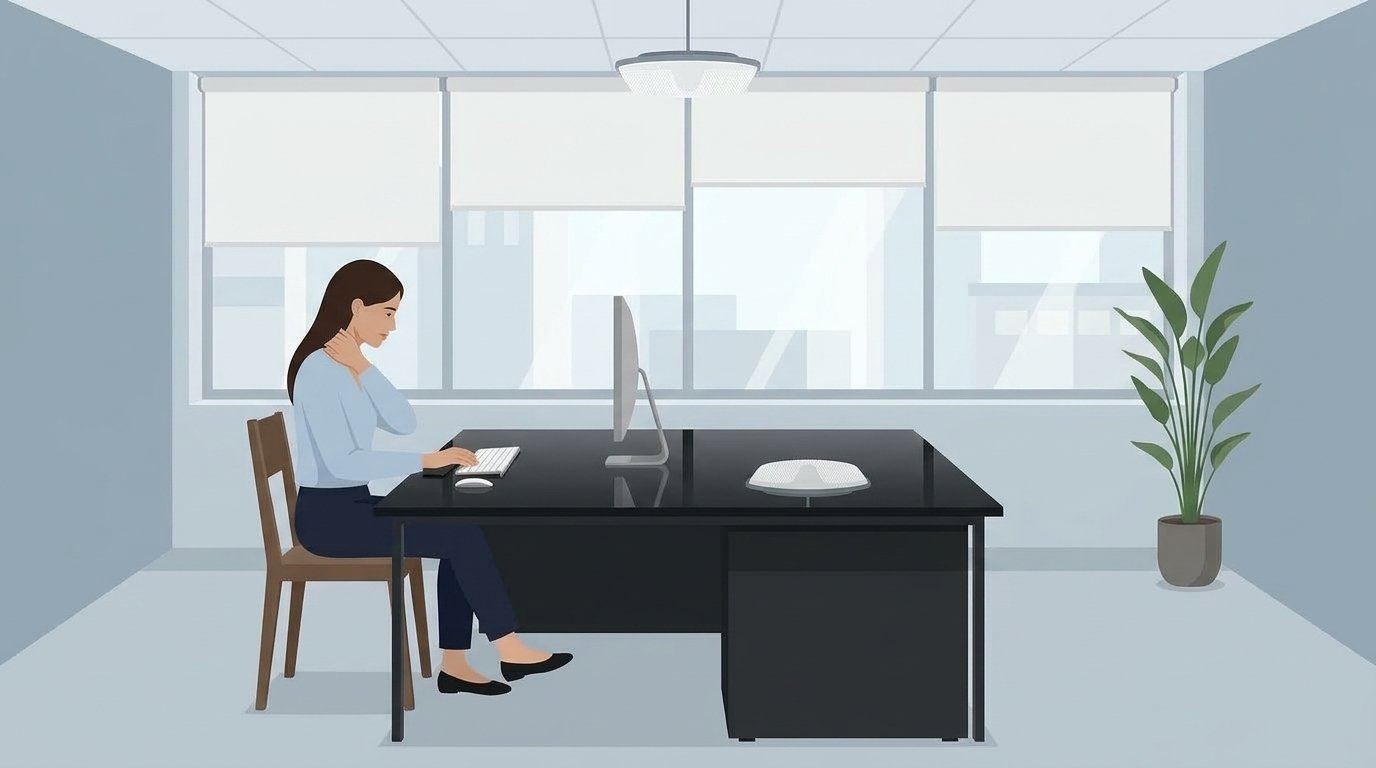
The old workstation: learners diagnose it before seeing any theory.
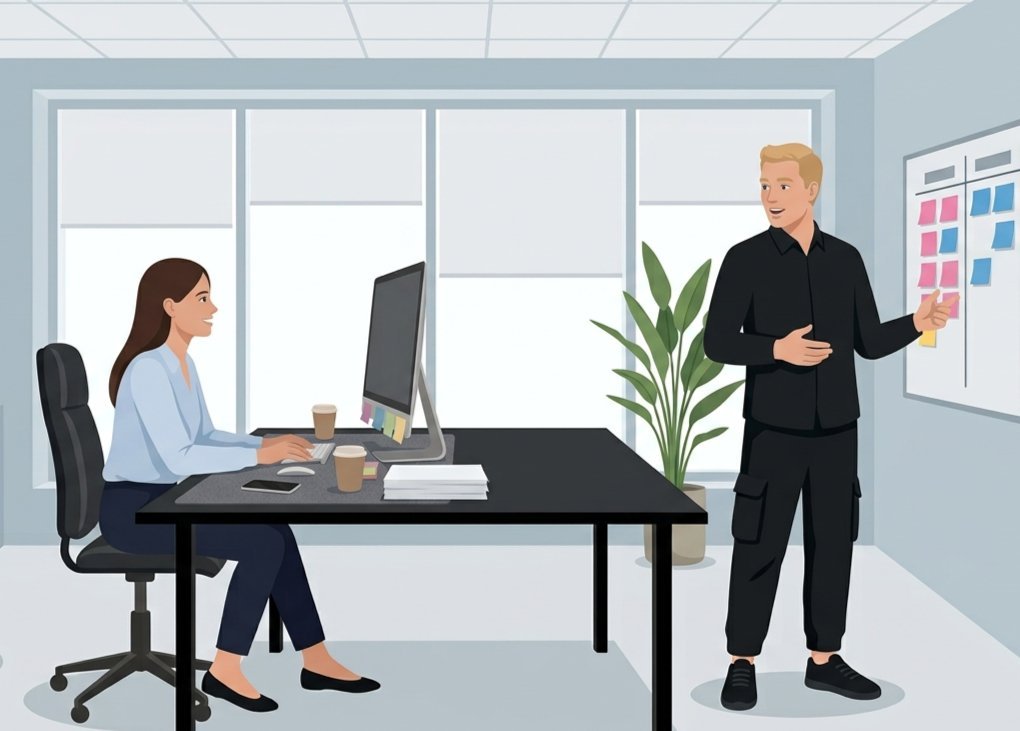
The ending: what Laura cannot fix on her own, she asks for.
It looks and sounds like Concept43
If it sounds like their company, the team does not see it as a box-ticking exercise. And with a design team, any mismatch with the brand would have stood out.
Their identity
The brand palette, in greyscale with the 43 as a signature. Clean screens with no icons or decoration, so the course feels like part of their website.
Their studio
Illustrations based on a real photo of the studio. The black desks stayed, with a technical criterion: “matt and low-reflective”.
Their voice
Short sentences, firm statements and “X, not Y” contrasts, just like their own website.
“Your workstation adapts to you. Not the other way round.”
“A good workstation used badly still hurts.”
What stays at the desk
The course ends with an action. Two downloadable job aids: a guide to check the workstation in two minutes and a personal plan that each person sends to the company. It proves they can apply what they learnt and opens a channel for speaking up.
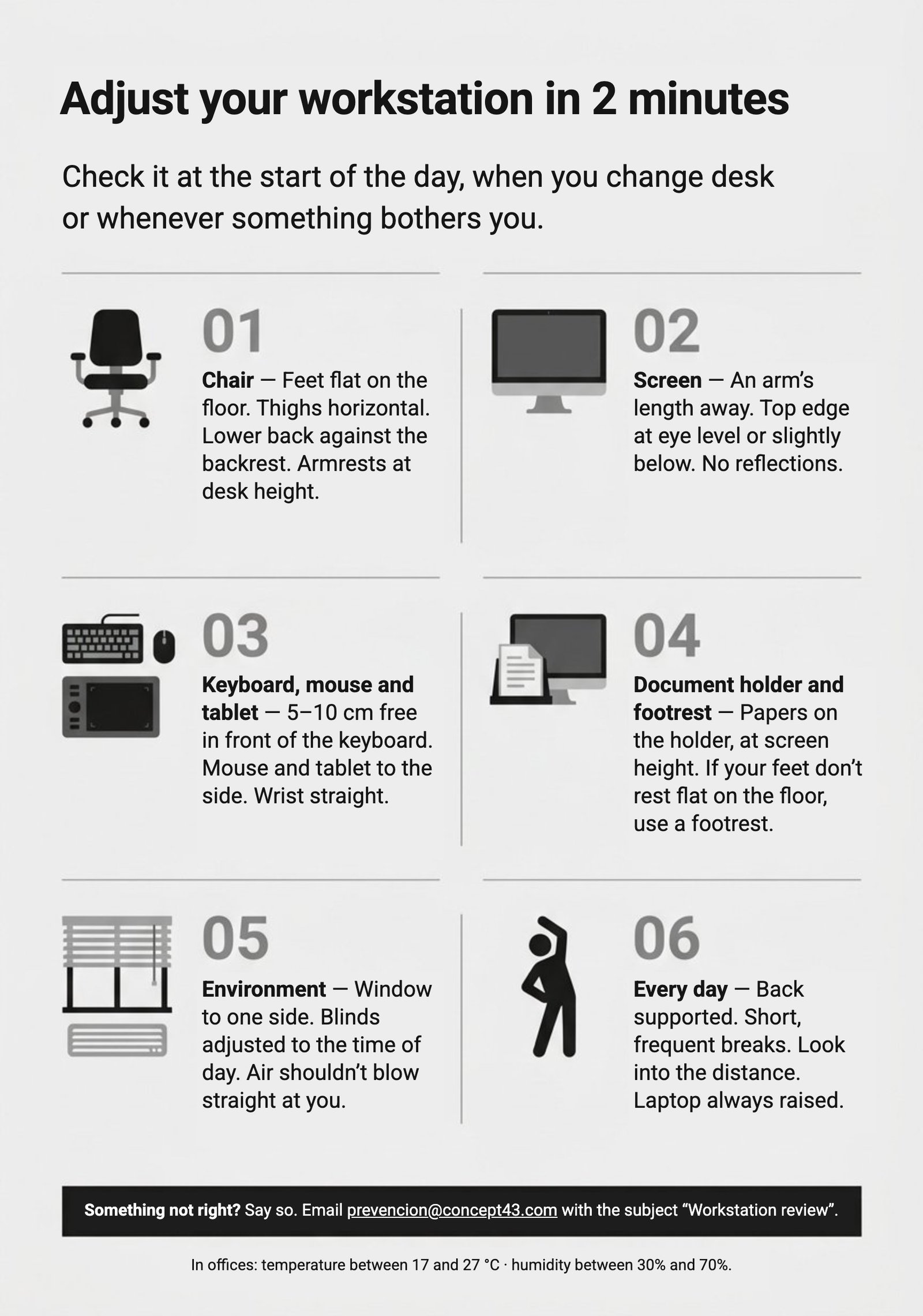
“Adjust your workstation in 2 minutes”, to keep at every desk.
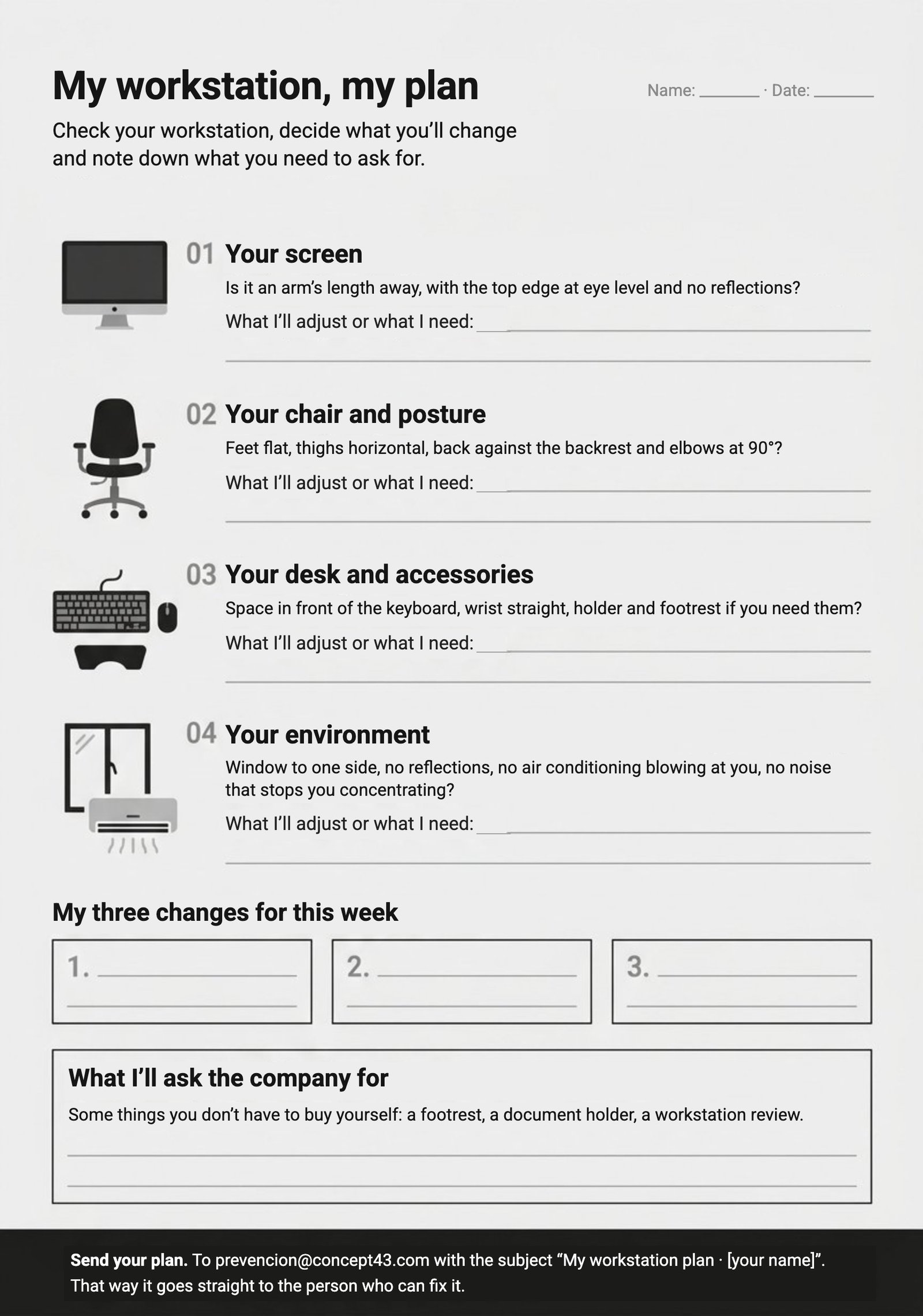
“My workstation, my plan”: each person fills it in and sends it to the company.
Rigour and use of AI
Up-to-date regulations
The starting sources were old technical notes from Spain's national health and safety institute (INSST). I checked every figure against current Spanish law (Act 31/1995, Royal Decrees 488/1997 and 486/1997 and the 2021 technical guide on display screens) and documented three errors, such as a distance written in millimetres that should have been centimetres.
AI as an assistant
Gemini for the illustrations and Claude to analyse the brand's tone, check for errors and support decisions. Everything went through human review: in an ergonomics course, a badly drawn posture shows, so the images were corrected using the course's own criteria.
Results and lessons learnt
The course is finished and published. It will be measured with Kirkpatrick's four levels once the team completes it.
Reaction
Satisfaction survey at the end of the course.
Learning
Final test, with a pass mark of 80%.
Behaviour
Plans sent in and a workstation review after a month.
Results
Reported discomfort and time taken to speak up.
What I learnt: the problem is rarely the one it seems. The company asked for a health and safety course; what it needed was for the team to use what it already had properly and to feel able to ask.
What I would do differently: test the scenario with two or three people from the team before finalising it.